
How to Use Binance Crypto Exchange: A Step-by-Step Guide for Beginners in 2025

Binance is currently the world’s largest cryptocurrency exchange by trading volume, offering a vast array of digital assets, trading pairs, and financial products. For newcomers, the platform can seem overwhelming due to its extensive features. However, learning how to use Binance effectively is the first step toward participating in the crypto economy. This guide provides a clear, step-by-step walkthrough tailored for beginners in 2025.
First, you need to create a Binance account. Visit the official Binance website (binance.com) and click on “Register.” You can sign up using your email address or mobile phone number. After entering your information, you will receive a verification code. Once verified, you must complete the identity verification process (KYC). This step is mandatory for withdrawing funds and increasing your daily withdrawal limits. Prepare a government-issued ID (passport, driver’s license, or national ID card) and follow the on-screen instructions to upload the documents and take a selfie. Approval usually takes between a few minutes to 24 hours.
After your account is verified, the next step is to fund it. Log in to your Binance account and navigate to the “Wallet” section, then click on “Deposit.” You have several options: you can deposit fiat currency (like USD, EUR, or GBP) via bank transfer or credit/debit card, or you can deposit cryptocurrency from another wallet. If you choose to deposit crypto, Binance will generate a deposit address for the specific coin you want to send. Copy this address and use it on the sending platform. Ensure you select the correct network (e.g., ERC20 for Ethereum, BSC for BNB) to avoid losing funds.
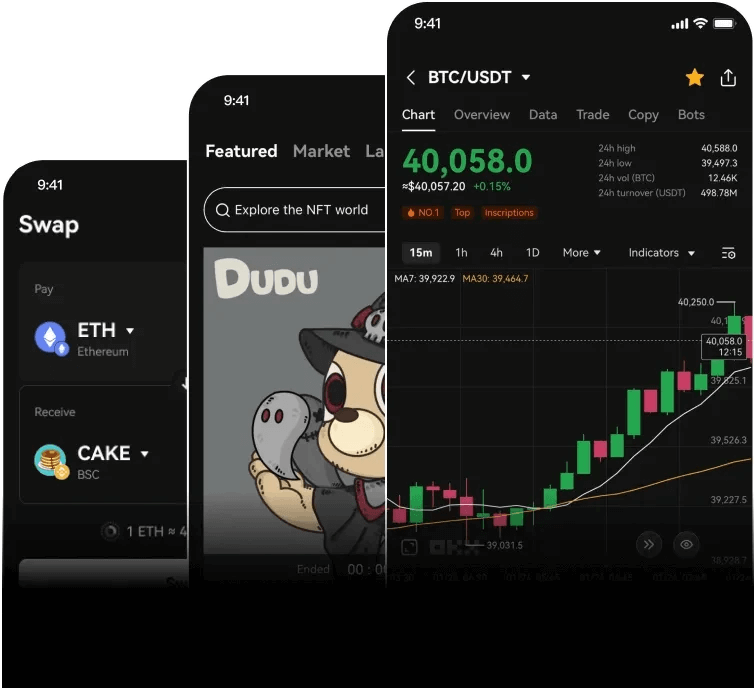
Once your account has a balance, you are ready to trade. Binance offers two main trading interfaces: the “Classic” view and the “Advanced” view. For most beginners, the Classic view is recommended. Go to the “Trade” menu and select “Classic.” You will see a chart on the left, an order book in the center, and the trading panel on the right. To place a simple market order, choose the trading pair you want (e.g., BTC/USDT). Enter the amount of Bitcoin you want to buy or the amount of USDT you want to spend, then click “Buy BTC” for a market order that executes instantly at the current price. If you prefer to set your own price, use a limit order. Enter your target price and the amount, and the order will only execute if the market reaches your price.
Security is critical when using Binance. After your first trade, immediately enable two-factor authentication (2FA). Use the Google Authenticator app or a hardware key like YubiKey. Do not rely solely on SMS authentication, as SIM-swapping attacks are common. Additionally, go to the “Security” settings in your account and set up anti-phishing codes, whitelist withdrawal addresses (so funds can only be sent to approved addresses), and review your device management regularly to remove any unknown logins.
Beyond spot trading, Binance offers many other products. You can earn passive income through “Binance Earn,” which includes savings accounts, staking, and Launchpool. For example, you can stake certain coins (like ETH or BNB) to earn interest. Simply go to the “Earn” tab, select a flexible or locked product, and commit your coins. Another popular feature is the “Binance Convert” tool, which allows you to swap one cryptocurrency for another instantly at a fixed rate without using the order book. This is ideal for quick conversions without complex trading fees.
When you need to withdraw funds, navigate to “Wallet” and then “Withdraw.” Select your currency, enter the withdrawal address (double-check this address carefully), and choose the correct network. Binance will send a confirmation code to your email and mobile device. After confirming, the withdrawal will be processed. Note that withdrawal fees vary by coin and network, and large withdrawals may require additional security checks.
In summary, using Binance involves four core steps: registration and verification, depositing funds, trading, and securing your account. Beginners should start with small amounts to practice using market and limit orders. As you gain confidence, you can explore advanced features like futures, margin trading, or the BNB Chain ecosystem. Always remember that the crypto market is volatile, and never invest more than you can afford to lose. By following this guide and staying security-conscious, you can safely use Binance to buy, trade, and manage your digital assets.

发表评论